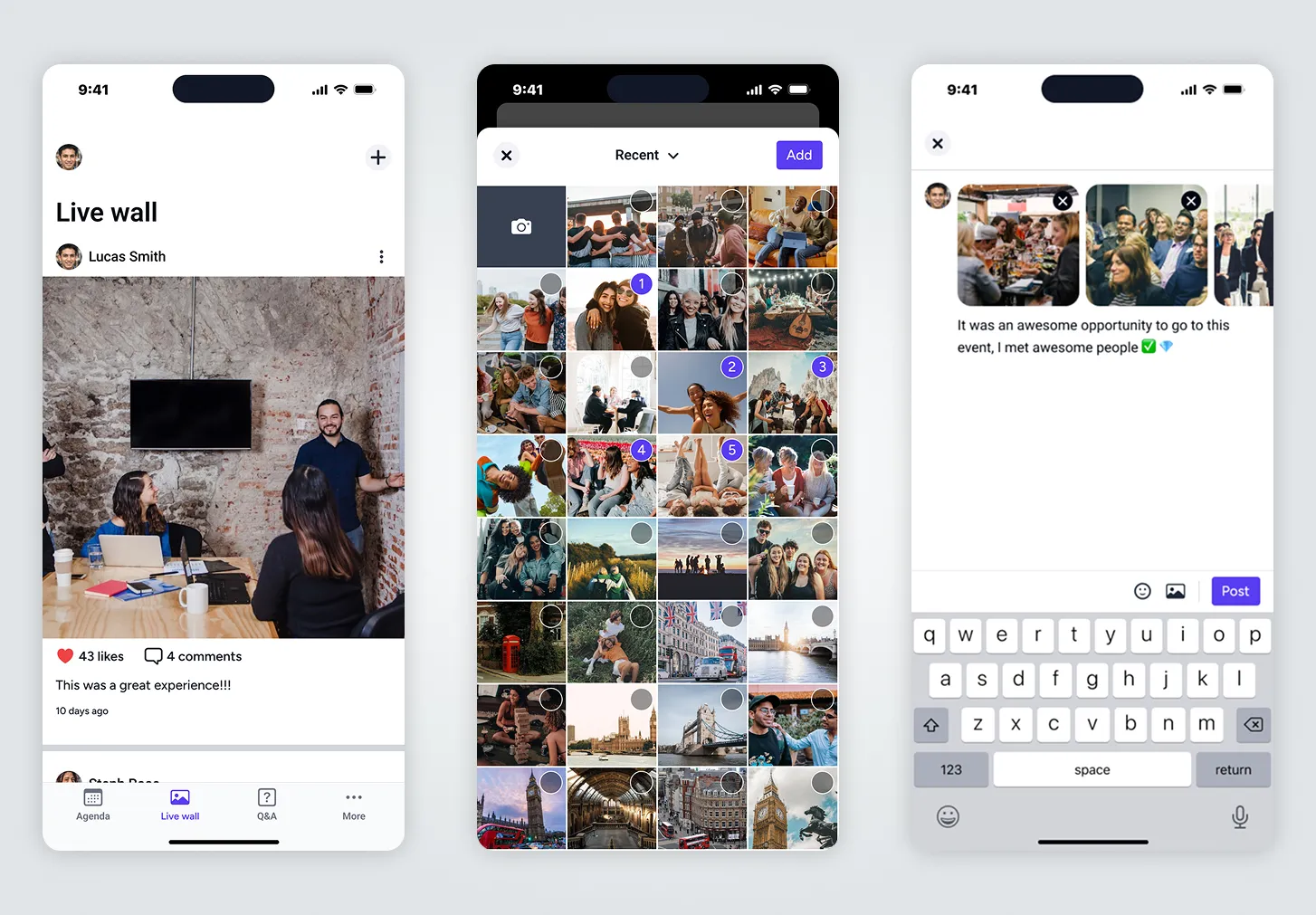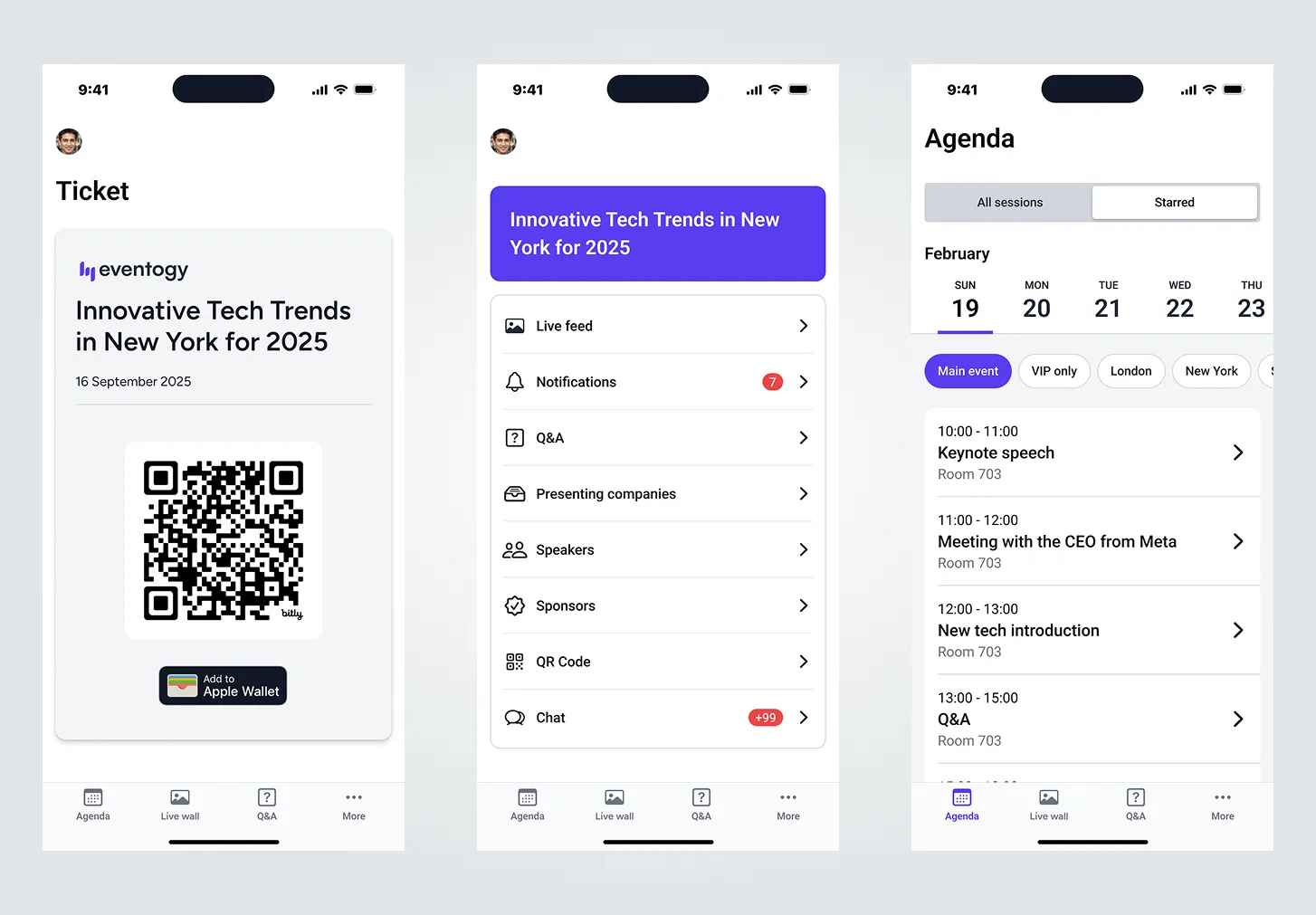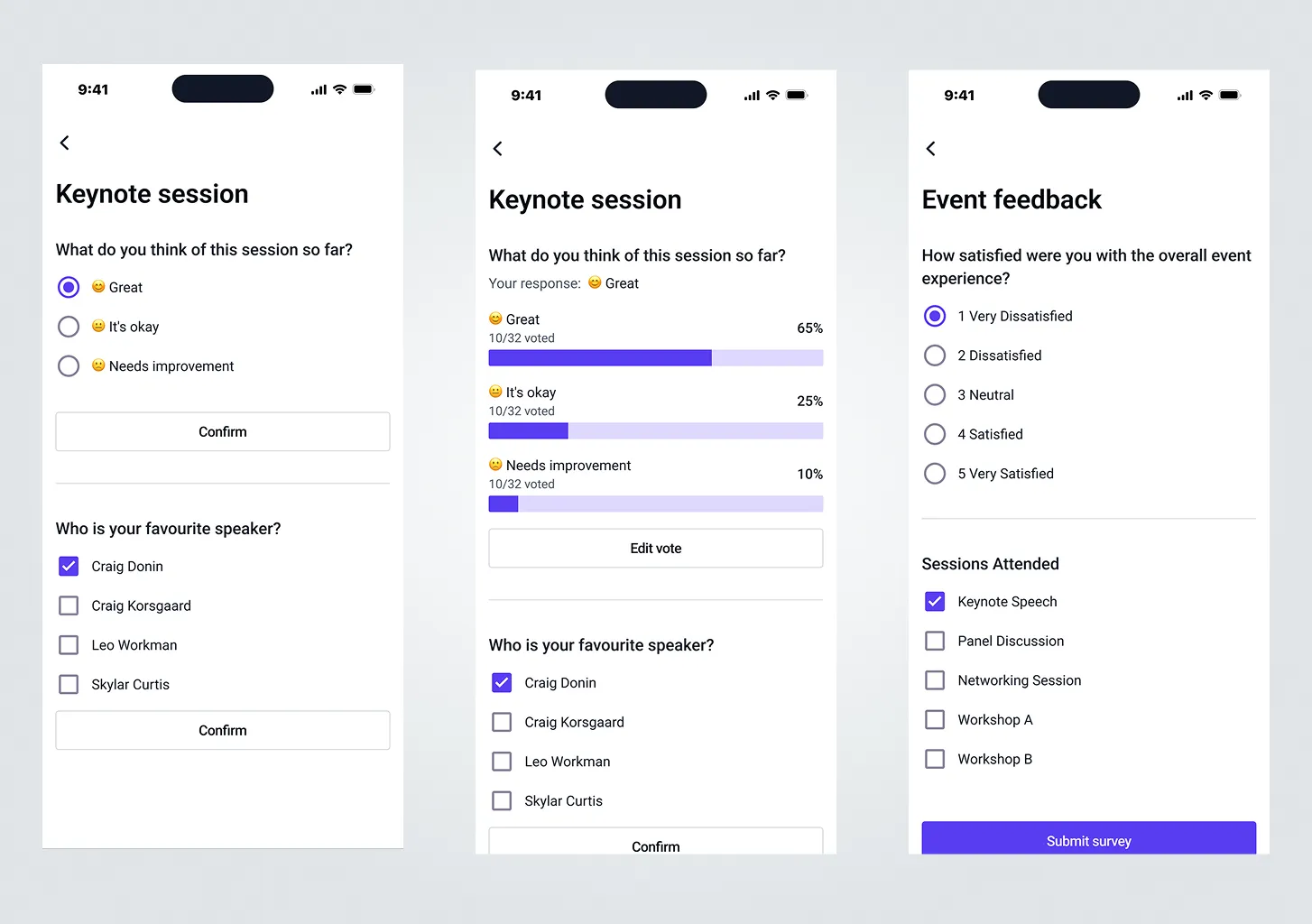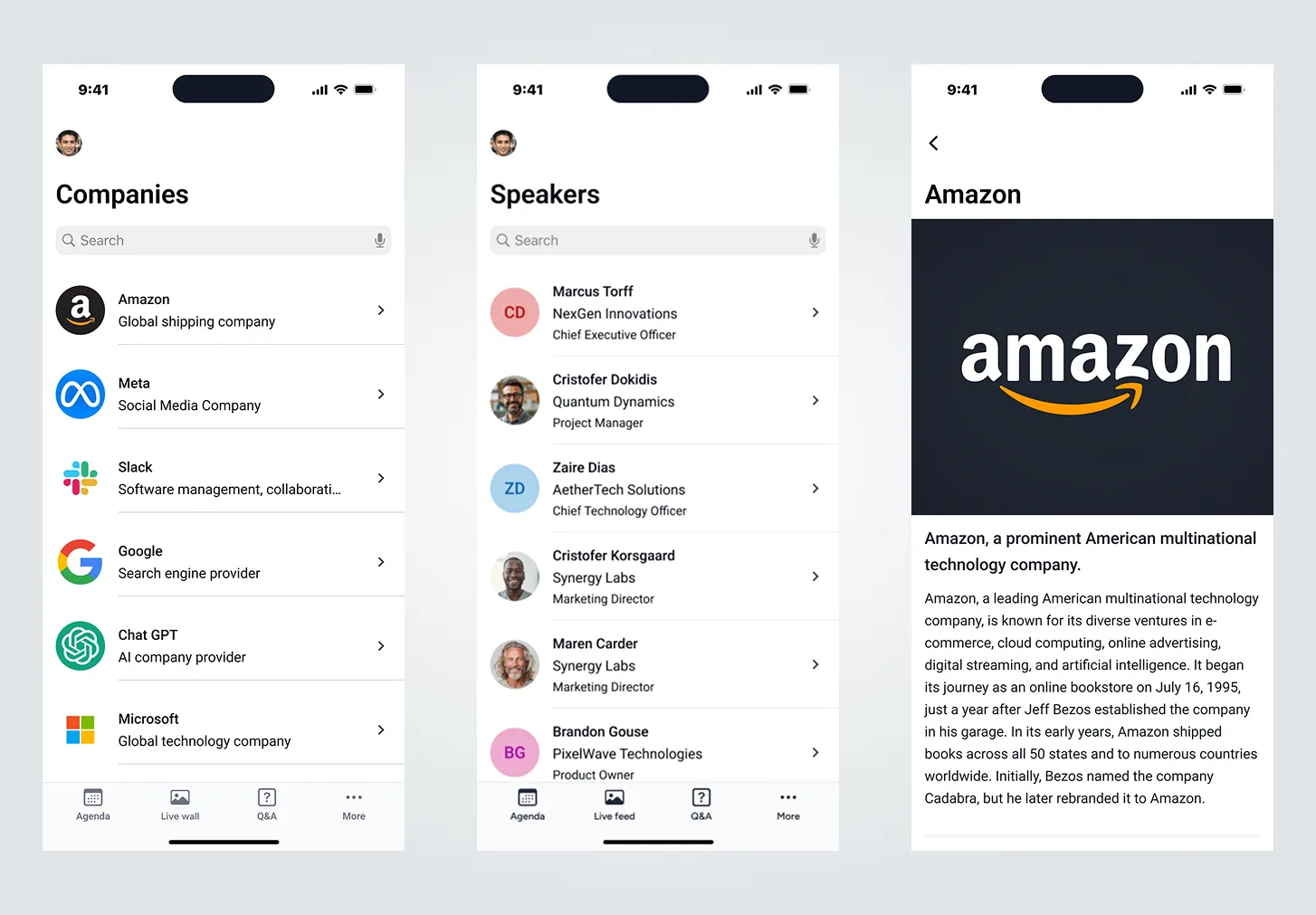
iOS mobile app for event attendees
Overview
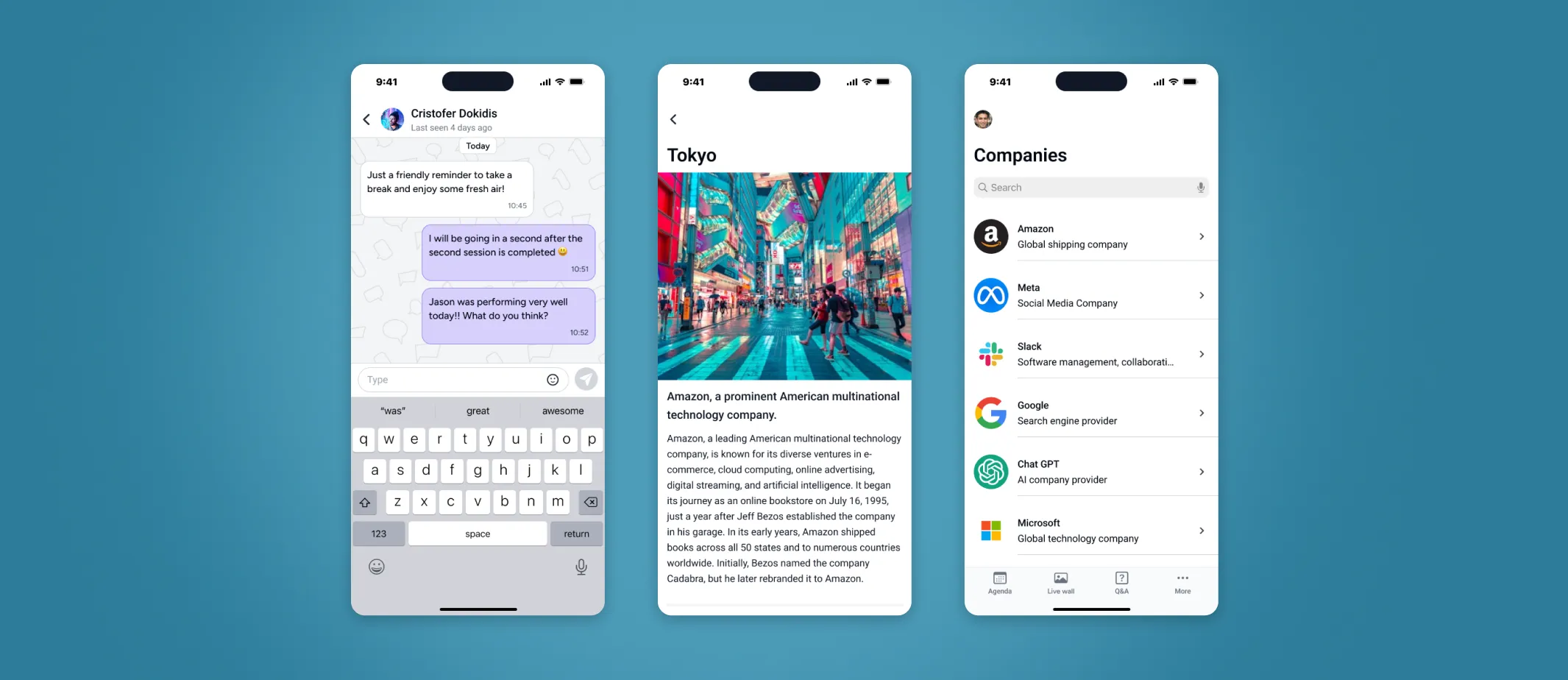
A deep dive into our mission and vision
😎 My Role
I collaborated closely with the Project Ownwer and iOS developer to ensure product requirements were met without adding unnecessary complexity to the designs.
😤 Problem
We were building a new web platform (example below) that needed to work with the iOS app, so the app had to follow the same logic as the web platform.
🧐 Objective
Redesign existing MVP screens and document recommendations for future releases to improve the app’s engagement rate by 10%.
Success Metrics
To evaluate the impact of the redesigned Eventogy platform, I used a set of standard, measurable UX and product metrics. These provided a clear view of how the new interface improved efficiency, reduced friction, and supported both users and the business.

Accessibility
Evaluates accessibility of the iOS app against WCAG standards, improving from 65/100 to 95/100.

Design System
Measures alignment with the new design language, with DCR increasing from 77% to 95%.

User Satisfaction
Captures user sentiment on the redesigned experience, improving from 6/10 to 9.5/10.
The users and their roles

Admin User
B2B user: as an Admin User, they will configure the app's pages and set permissions.

Support
Internal user: provides assistance to the Admin user and attendees with any issues they encounter.

Attendee
B2B2C user: use the iOS app to access event details and features such as live polls and more.
Attendee iOS app builder
The following screens showcase features of the attendee app as managed through the web application. Admin users control and manage the app’s pages, some of which follow standard templates, while others are customised, for example, event speaker collections or HTML pages with tailored content.
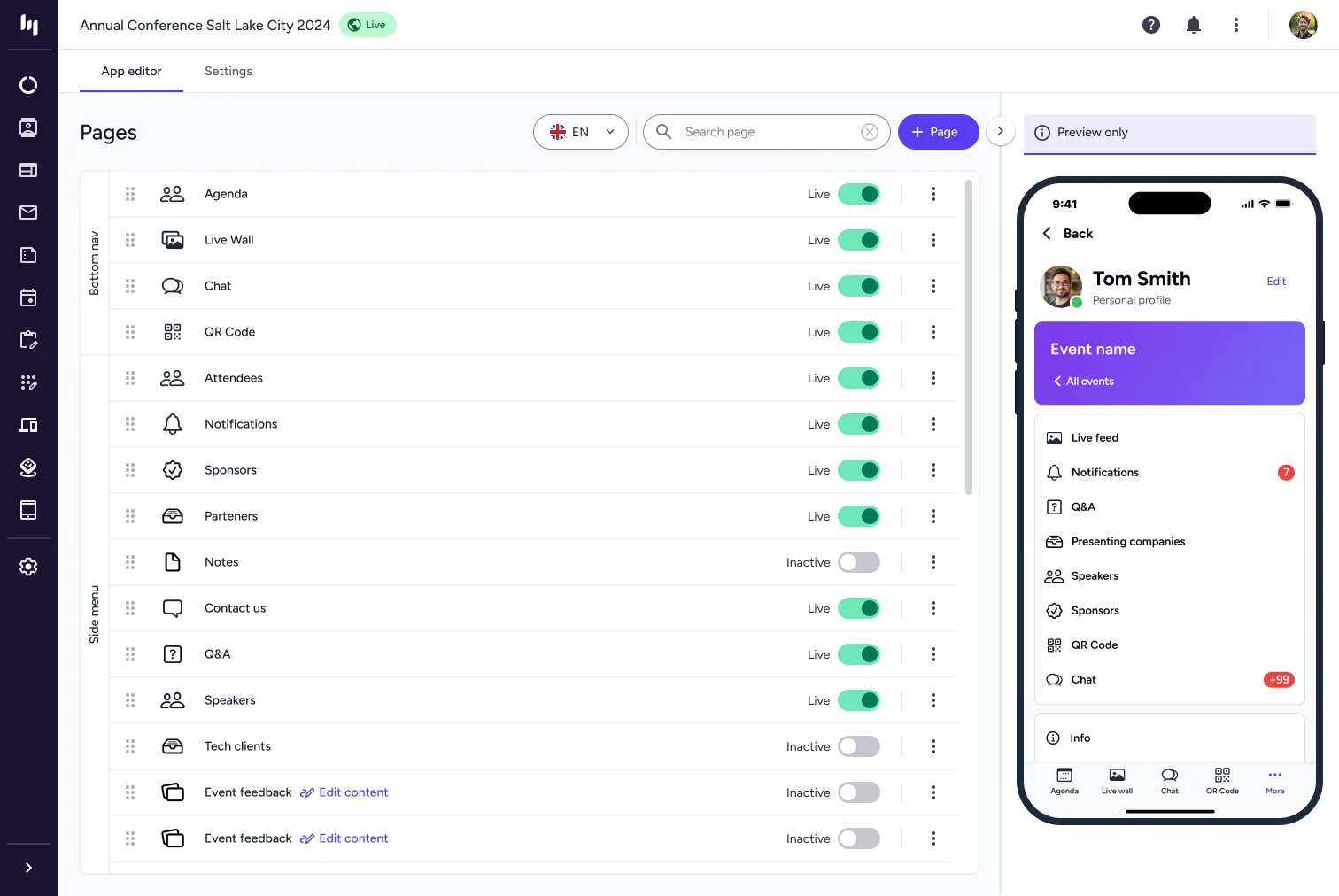
Image Gallery
Extra screens for the form the iOS app builder.
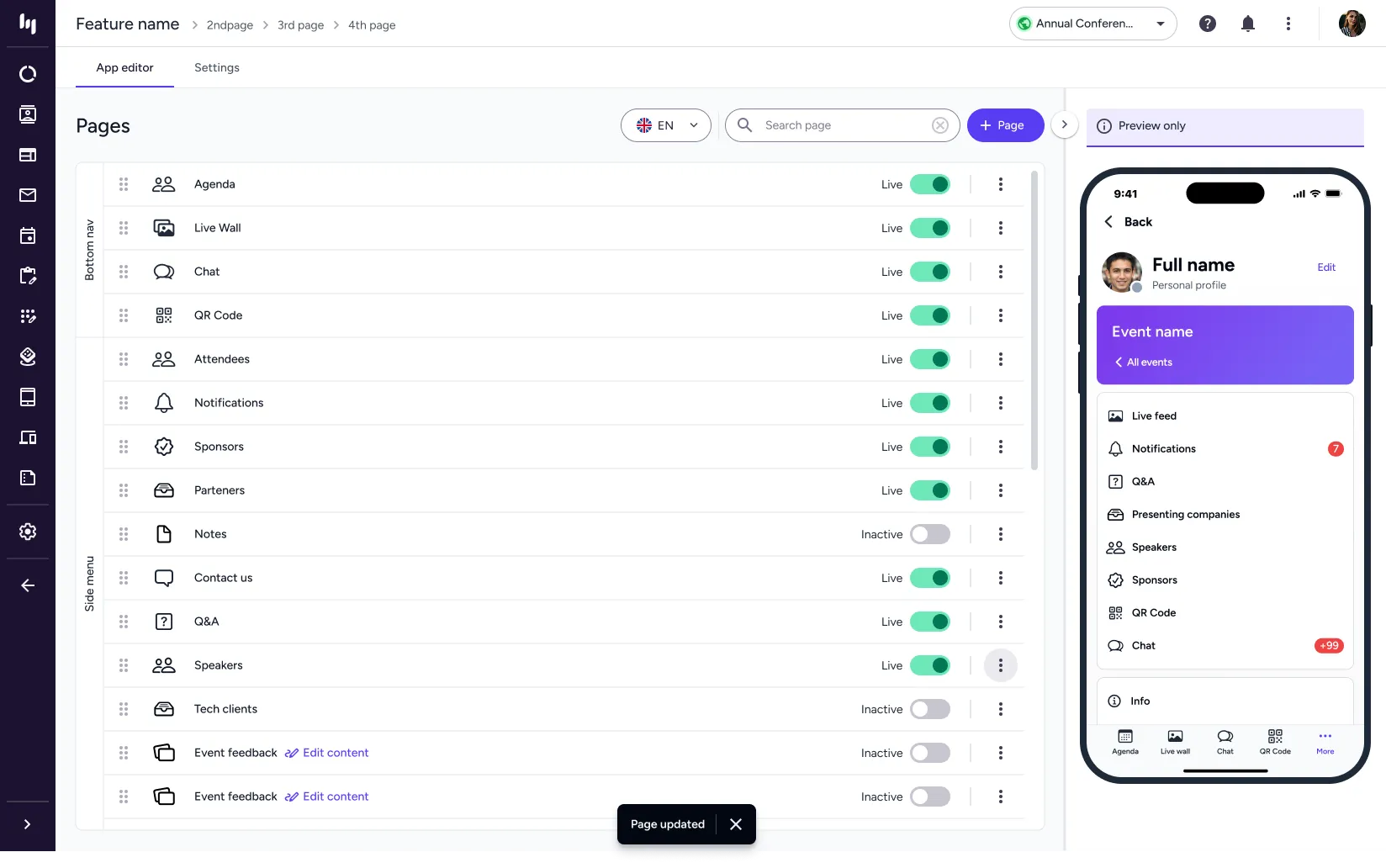
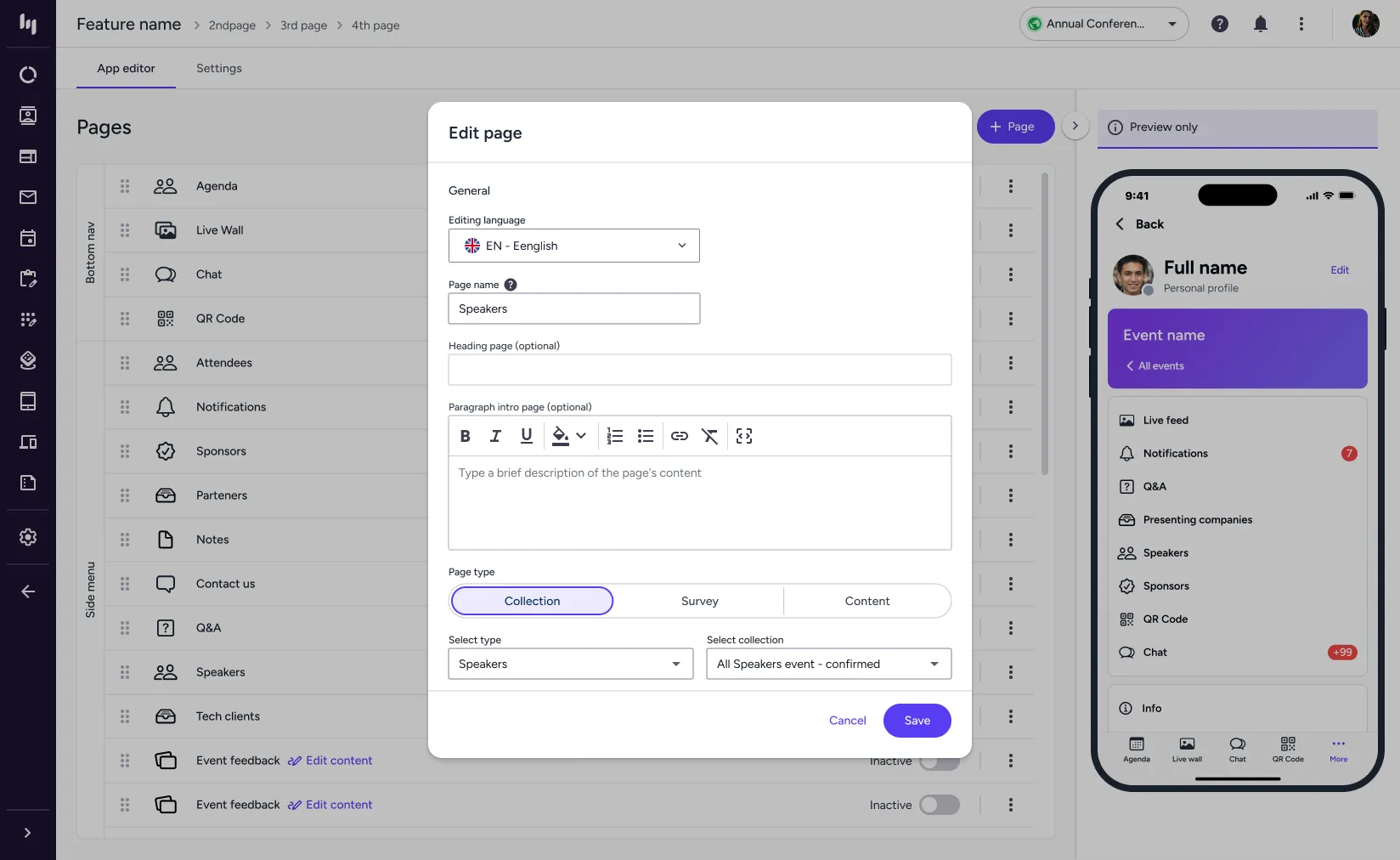
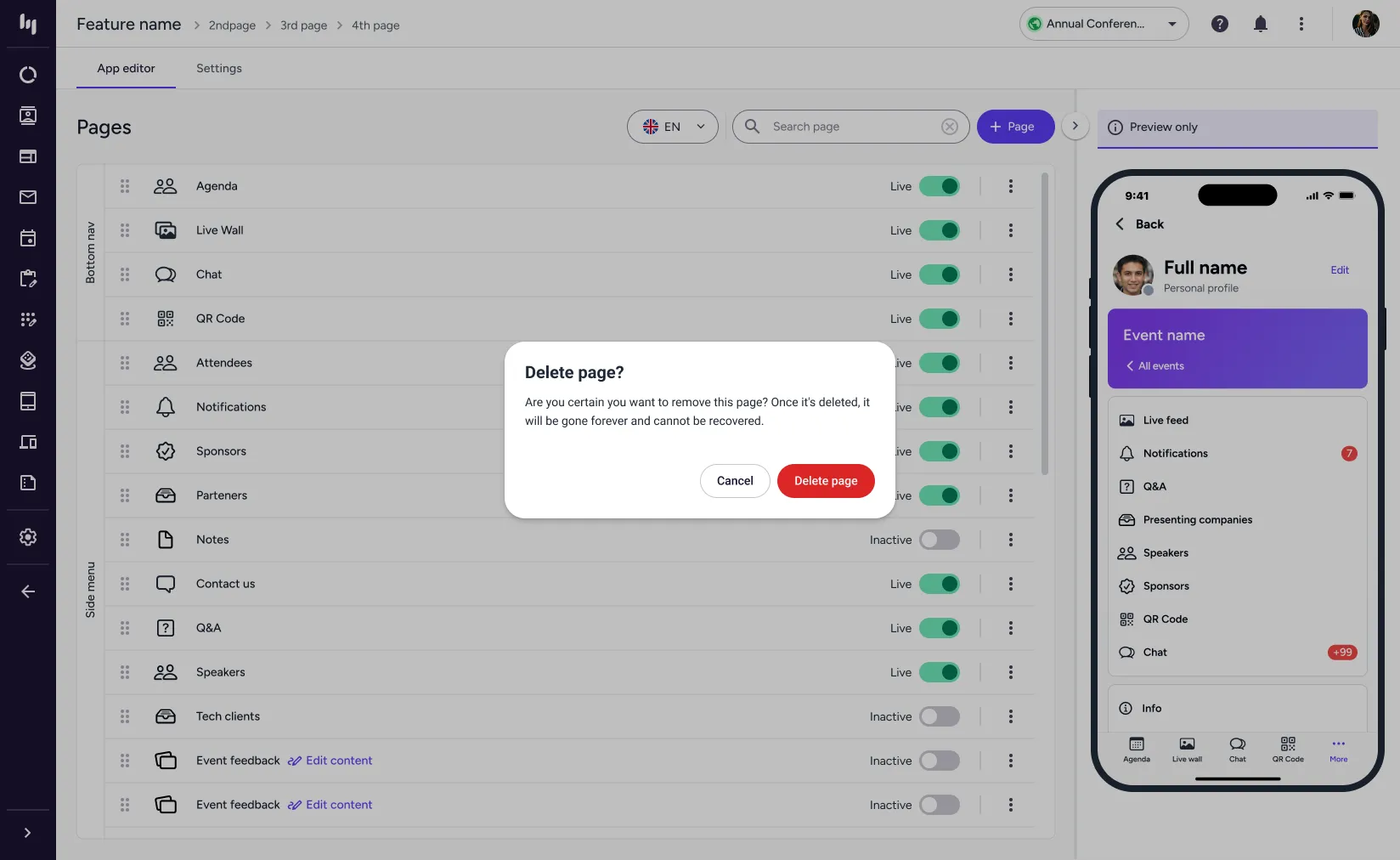
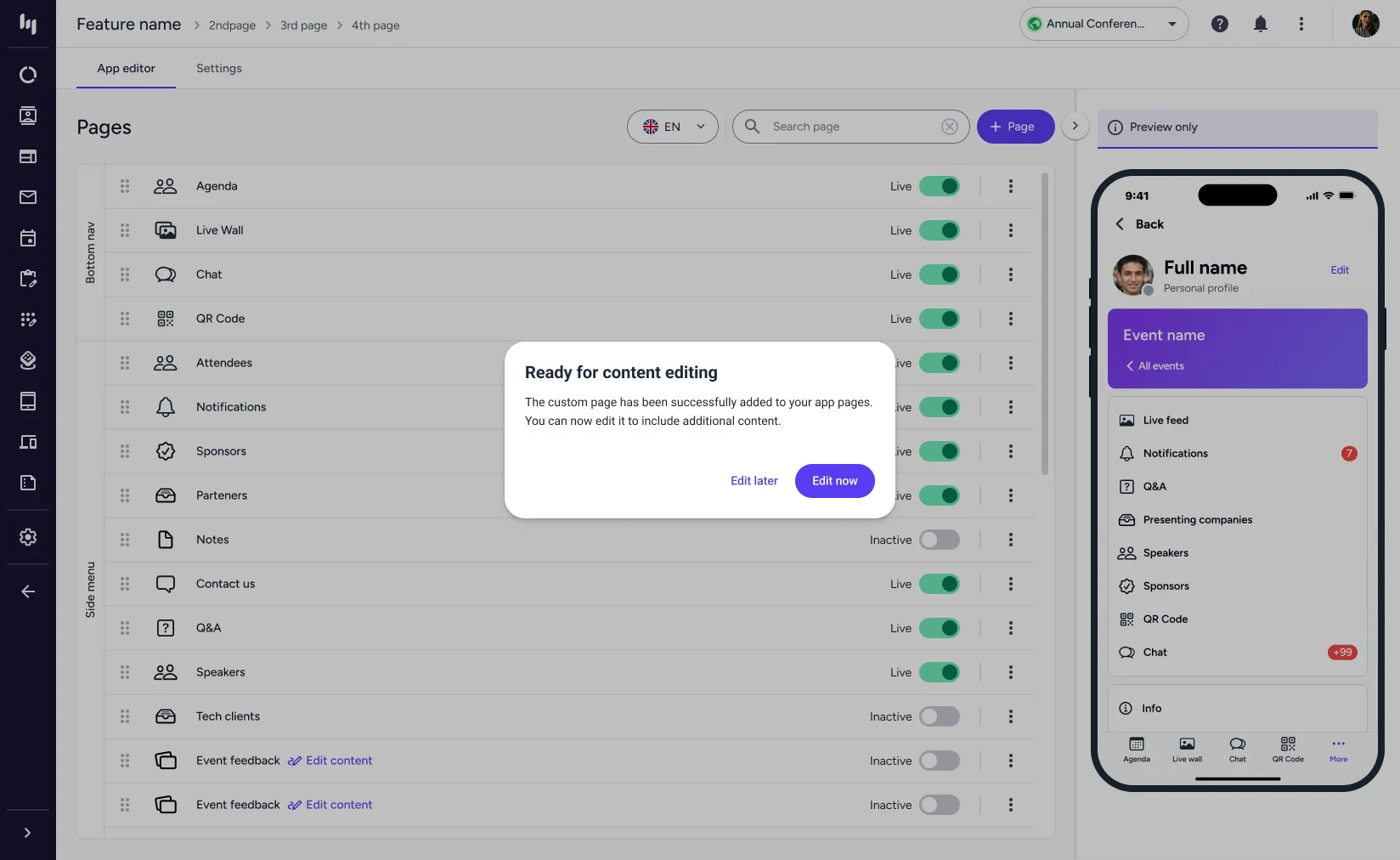
For the MVP, we had to stick to existing features.
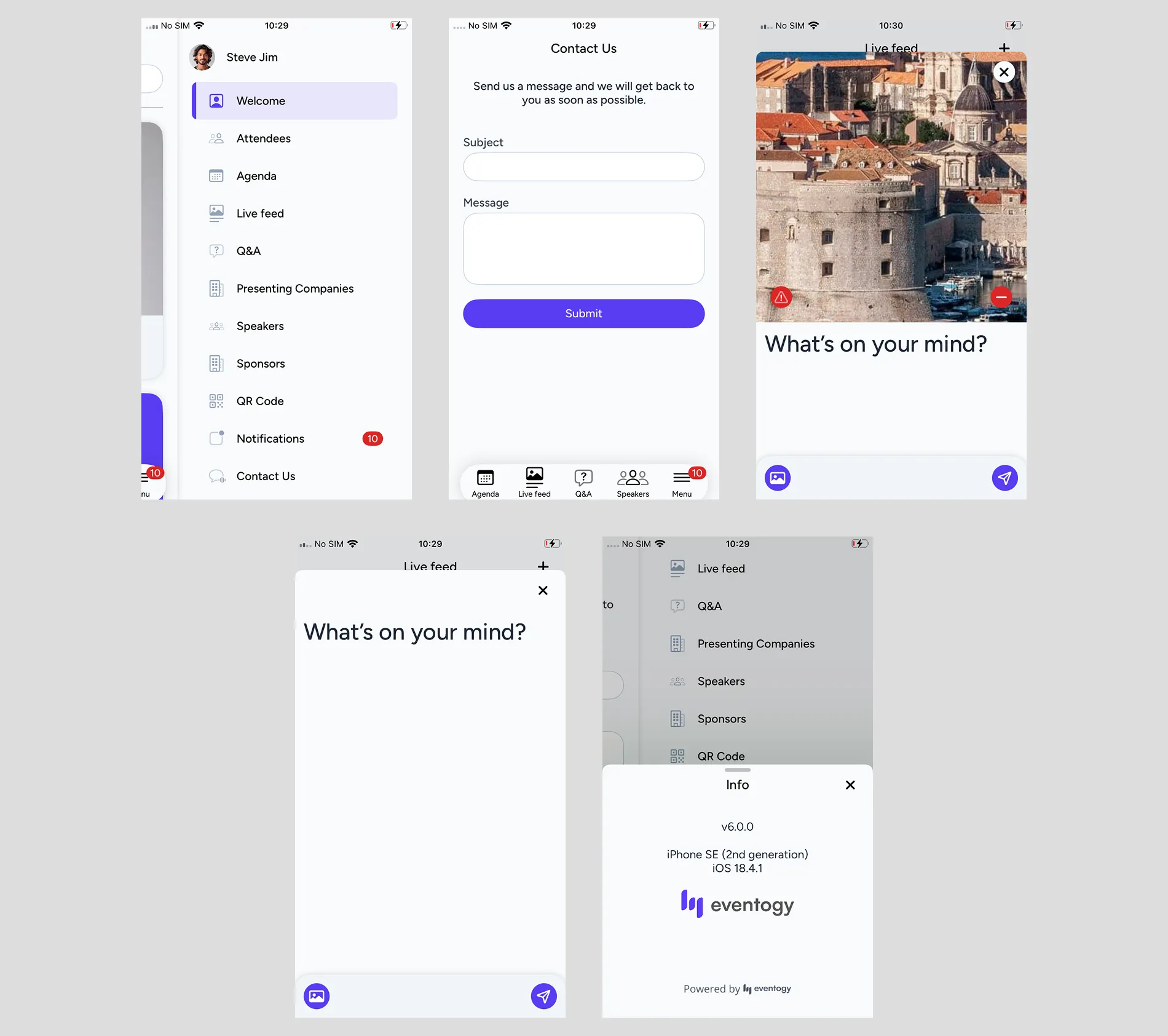
We used the existing solution as a reference, which provided all the essential functionalities for attendees, such as accessing the event with their tickets or participating in live polls. However, we made several UX improvements, focusing on modernizing the UI and ensuring scalability. This allows clients to seamlessly select their brand colors.
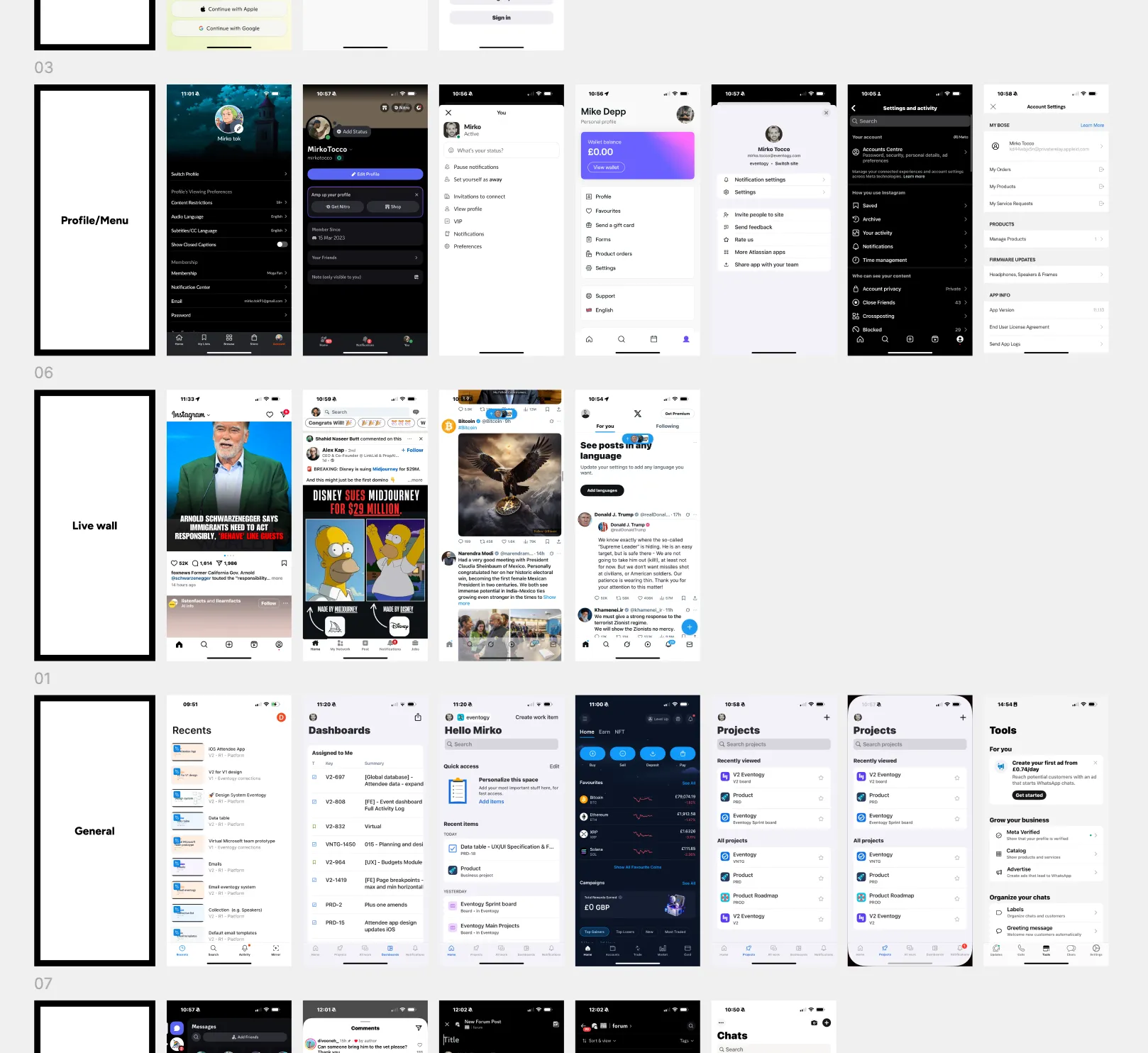
Existing well designed iOS apps inspiration
I took a good look at some of the top mobile apps out there, checking out how they handle their user interfaces. The goal was to find cool design tricks and fresh features that we could use to make our app even better. By studying these successful apps, I picked up on things like easy navigation, eye-catching visuals, and smooth interactions that we could bring into our design. This deep dive not only helped shape our design process but also gave us a solid benchmark to test how user-friendly and effective our app is.
Wireframing ideas and solutions
I put together a list of all the features and categories that needed a fresh look, trying out different ideas. After playing around with various options, I made sure everything lined up with iOS guidelines since this was going to be a native app. This meant lots of chats with the iOS developers to brainstorm within the project's timeline.
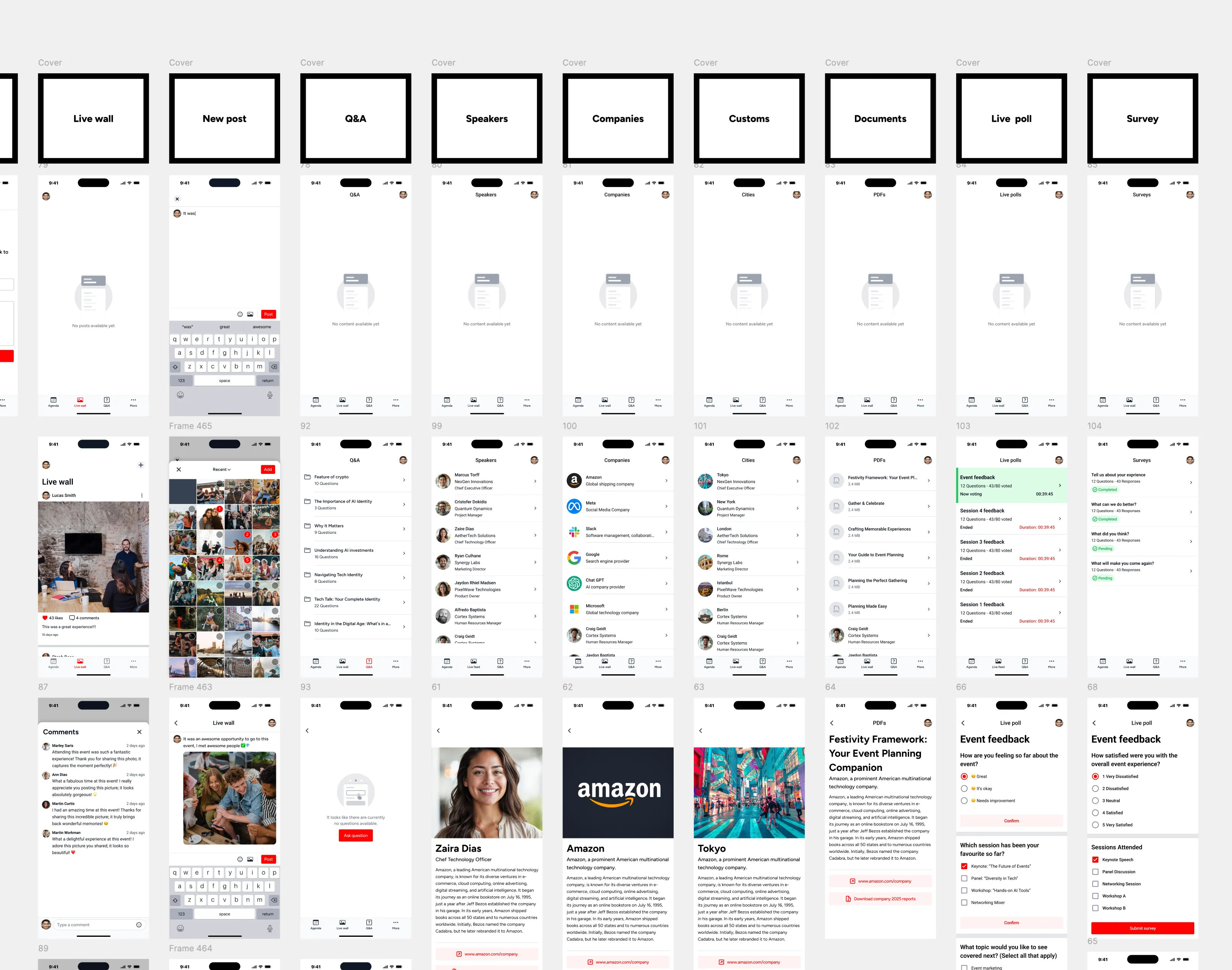
Image Gallery
Extra screens for the iOS mobile app.